What Is Web Hosting? A Complete Beginner’s Guide
If you want to create a website, blog, online store, portfolio, or business website, one of the first things you need is web hosting. But what exactly is hosting, and why is it important?
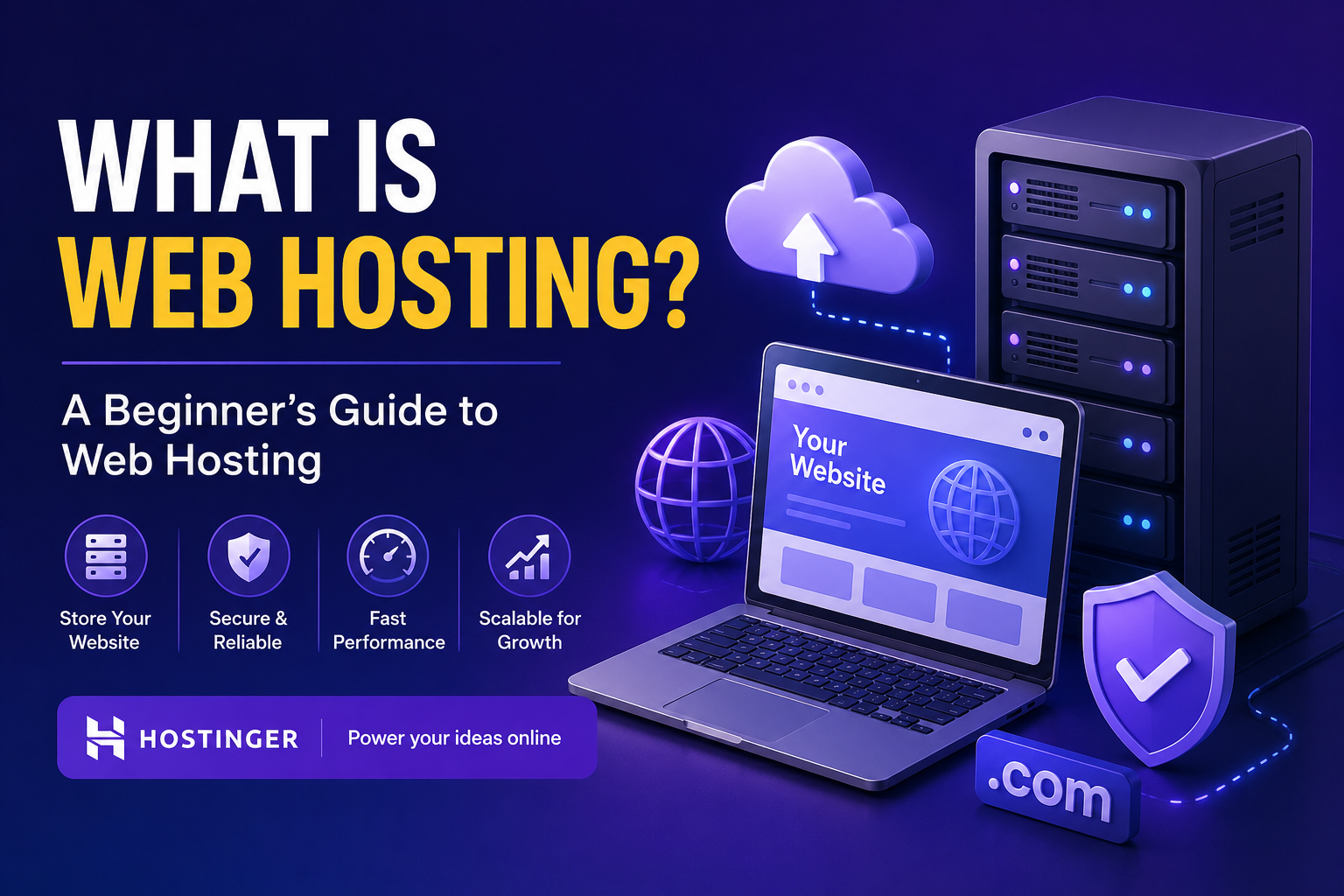
In simple terms, web hosting is a service that stores your website’s files on a server and makes your website available on the internet.
Think of your website as a house. Your domain name is the address of the house, while web hosting is the land where your house is built. Without hosting, visitors cannot access your website online.
What Is Web Hosting?
Web hosting is a service that provides the technology and server space needed to publish a website on the internet.
When someone enters your website address into a browser, such as example.com, the browser connects to the server where your website is hosted. The server then sends your website’s files to the visitor’s browser.
These files can include:
- HTML pages
- Images
- Videos
- CSS files
- JavaScript
- Databases
- WordPress files
- Other website resources
A hosting provider manages the servers and provides the infrastructure required to keep your website accessible.
How Does Web Hosting Work?
The process is quite simple:
- You create a website.
- You purchase a hosting plan.
- Your website files are uploaded to the hosting server.
- You connect your domain name to the hosting account.
- Visitors enter your domain name in their browser.
- The hosting server delivers your website to the visitor.
For example, if you create a WordPress blog, your hosting server stores your WordPress installation, images, posts, themes, plugins, and database.
Why Do You Need Web Hosting?
A website needs somewhere to store its files. Your personal computer is not normally suitable for hosting a public website because it would need to remain connected to the internet and handle visitors continuously.
Professional hosting provides infrastructure designed for websites, including server resources, security features, backups, and technical tools.
Good hosting can also help with:
- Website performance
- Uptime
- Security
- Backups
- Scalability
- SSL certificates
- Domain management
- Email services
- WordPress installation and management
Types of Web Hosting
There are several types of hosting. The right choice depends on your website and expected traffic.
1. Shared Hosting
Shared hosting is one of the most beginner-friendly options.
Multiple websites share resources on the same server. Because the server costs are distributed among several customers, shared hosting is generally affordable.
It can be a good option for:
- Personal blogs
- Small business websites
- Portfolio websites
- New websites
- Small content websites
2. VPS Hosting
VPS stands for Virtual Private Server.
With VPS hosting, your website operates in a virtualized server environment with more dedicated resources and control than typical shared hosting.
It can be suitable for growing websites, developers, and businesses that need more control over their hosting environment.
3. Cloud Hosting
Cloud hosting uses a network of servers rather than relying on a single physical server.
This type of hosting can provide flexibility and scalability, making it useful for websites that experience changing levels of traffic.
4. Dedicated Hosting
Dedicated hosting gives you an entire physical server for your website or applications.
It provides a high level of control and resources but is generally more expensive and requires more technical knowledge.
5. WordPress Hosting
WordPress hosting is designed specifically for websites built with WordPress.
Depending on the provider and plan, it may include features such as easy WordPress installation, automatic updates, caching, backups, security tools, and WordPress-focused support.
What Should You Look for in a Hosting Provider?
Before buying hosting, consider the following factors:
Performance
A slow website can create a poor user experience. Look for hosting that provides good server performance and caching options.
Uptime
Your website should remain available to visitors as consistently as possible. Check the provider’s uptime commitments and reputation.
Security
Important security features can include SSL certificates, malware protection, firewalls, secure backups, and account security tools.
Storage and Bandwidth
Check how much storage you receive and whether the plan has limits that could affect your website as it grows.
Customer Support
Good customer support can be particularly valuable when you’re new to website hosting.
Ease of Use
A beginner-friendly control panel can make it easier to manage domains, files, databases, email accounts, WordPress, and other website settings.
Hostinger for Website Hosting
If you’re looking for a hosting provider, Hostinger is one option worth considering. It offers hosting services for websites, WordPress sites, online stores, and other web projects.
You can check Hostinger’s current hosting plans and features here:
The available plans, pricing, features, and promotional offers can change over time, so it’s a good idea to review the current details before purchasing.
Web Hosting vs Domain Name
A common beginner mistake is thinking that a domain and hosting are the same thing. They are different.
Domain name: The address people use to find your website.
Web hosting: The server space where your website’s files are stored.
For example:
- Domain:
mywebsite.com - Hosting: The server where the files for
mywebsite.comare stored
You generally need both a domain and hosting to run a traditional website using your own domain.
How to Start a Website
Getting started is easier than it may seem.
Step 1: Choose a Domain
Pick a short, memorable domain name related to your website or business.
Step 2: Choose a Hosting Plan
Select a hosting plan based on your website’s needs, budget, expected traffic, and technical requirements.
Step 3: Connect Your Domain
Point your domain to your hosting account. If you purchase the domain and hosting from the same provider, this process may be simpler.
Step 4: Install Your Website Platform
For a blog or business website, WordPress is a popular choice. You can also upload a custom website or use another content management system.
Step 5: Design and Publish
Choose your website design, add your content, configure important settings, and publish your website.
Final Thoughts
Web hosting is the foundation that allows a website to exist and be accessed on the internet. Whether you’re starting a personal blog, launching a business website, building a portfolio, or creating an online store, choosing suitable hosting is an important first step.
For beginners, an easy-to-manage hosting service can make the process much simpler.
If you want to explore Hostinger’s current hosting options, you can visit: